Luggage trackers for iPhone and Android: our picks
 By Kate Morrison Published 10 November 2026
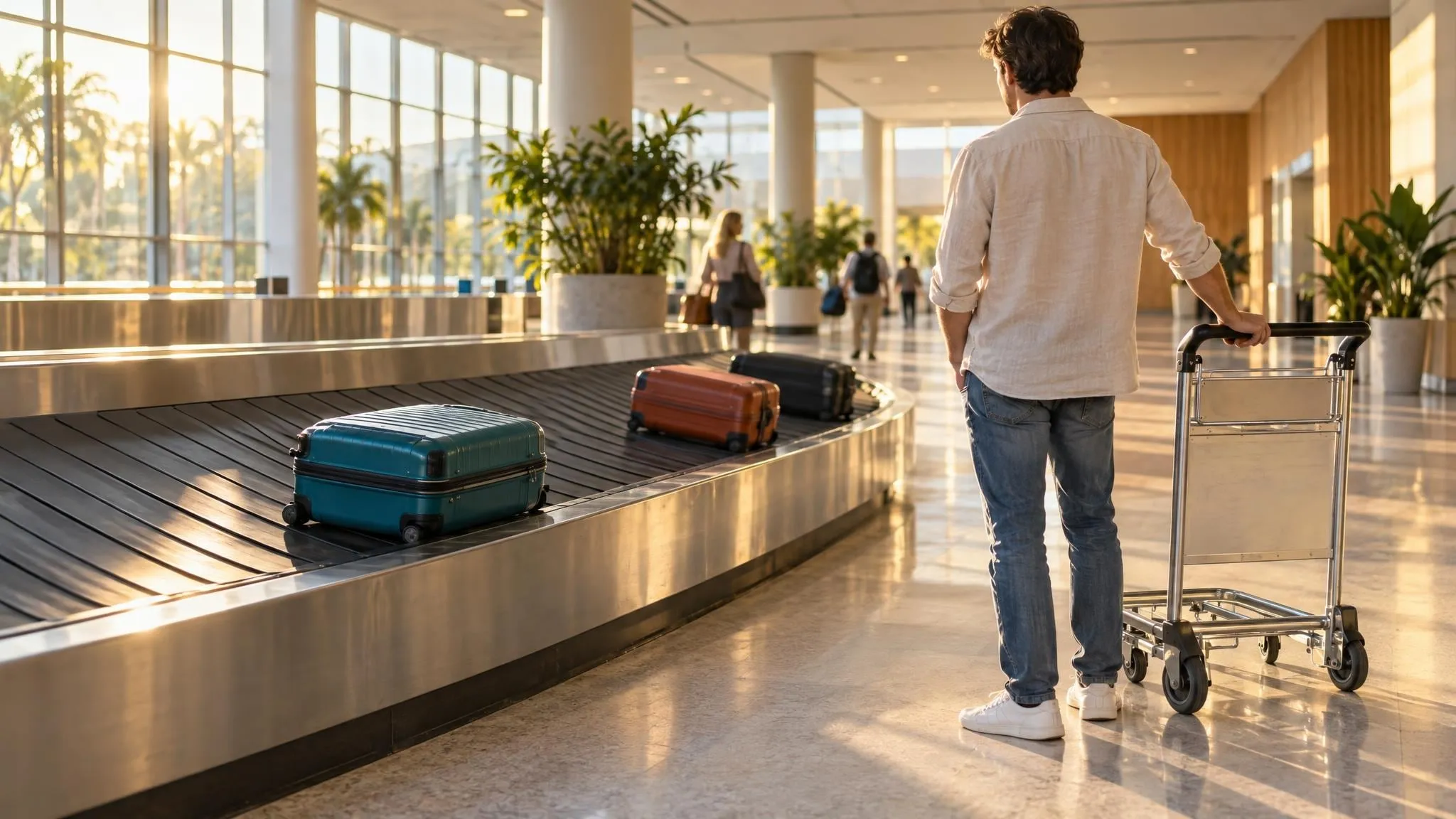
The worst part of a lost bag is not knowing where it is while you stand at the carousel watching everyone else's go round. A small tracker in your case can show you on a map where it was last spotted, whether that's the airport you left from or a city it was never meant to visit. Which tracker you can use comes down to your phone, so that's the first thing to sort out.
Best overall

Apple AirTag (2nd generation)
- Leads you to it with distance and direction on most recent iPhones
- A coin battery you swap yourself, lasting over a year
Needs an iPhone or iPad, so it won't work with an Android phone
Best for Android

Chipolo LOOP
- Works with an iPhone or an Android phone
- Built-in silicone loop to tie it to a zip pull inside the case
The priciest of the three per tracker
Best value

UGREEN FineTrack Duo (4 pack)
- Four trackers in the pack, enough for the whole family's bags
- Works with an iPhone or an Android phone
Each tracker pairs with an iPhone or an Android phone, not both at once
How they compare
| Feature | Best overallApple AirTag (2nd generation) | Best for AndroidChipolo LOOP | Best valueUGREEN FineTrack Duo (4 pack) |
|---|---|---|---|
| Works with | iPhone or iPad with iOS 26 or later | iPhone (iOS 14.5 or later) or Android (Android 9 or later), one at a time | iPhone or Android, one at a time |
| Battery | A coin battery you replace, lasting more than a year | Recharges over USB-C, up to a year a charge | Recharges over USB-C, up to a year a charge |
| In the pack | 1 tracker | 1 tracker | 4 trackers |
| Price | Check price | Check price | Check price |
Which one is for you
- You have an iPhone and want the easiest way to find your bagApple AirTag (2nd generation)
- You have an Android phone and want one tracker for your main caseChipolo LOOP
- You're tagging several bags, or a family's worthUGREEN FineTrack Duo (4 pack)
- Your household has iPhones and Android phonesUGREEN FineTrack Duo (4 pack)
What decides it
Four things to sort out before you buy a luggage tracker.
Your phone
An AirTag needs an iPhone or iPad on iOS 26 or later. For Android, pick a tracker that works with Google’s Find Hub. Some work with either, but you choose one at setup.
How it finds your bag
Each tracker sends out a Bluetooth signal, and passing phones on the same network report where it is. The map shows where your bag was last seen, so a recent sighting tells you the most.
The battery
Some run on a coin battery you swap, and others recharge with a USB-C cable. All three here last about a year, so check the level in the app before a big trip.
Sharing it with your airline
Some airlines take your tracker’s location with a lost-bag report. Qantas accepts a Find My or Find Hub link, but not Samsung SmartTags yet. On other airlines, ask at the baggage desk.
The picks
Why we chose each one, and who it suits best.
Best overallApple AirTag (2nd generation)
If you carry an iPhone, this is the tracker we’d put in your case. It joins Apple’s Find My network, which is made up of more than a billion iPhones, iPads and Macs.
When you’re close, you can play a sound on it, and this version’s speaker is louder than the first AirTag’s. On most recent iPhones, Find My can also show how far away it is and which way to walk. That’s handy when your case is one of a hundred black ones in a lost-luggage office. You can share its location with more than 50 airlines, Qantas among them, so the baggage team can see where your case was last spotted.
The catch is the phone. You need an iPhone or iPad running iOS 26 or later to set it up and see it, so if anyone in your house uses Android, the other two picks suit them better. It runs on a standard coin battery that lasts more than a year, and your iPhone tells you when it’s time to change it.
What we like
- Leads you to it with distance and direction on most recent iPhones
- A coin battery you swap yourself, lasting over a year
Worth knowing
- Needs an iPhone or iPad, so it won't work with an Android phone
Best for AndroidChipolo LOOP
This is our pick if you have an Android phone and want one good tracker for your main case. It works with Google’s Find Hub app on Android 9 or later, and with Apple’s Find My on an iPhone, so it suits either phone. It only joins one network at a time, though. To move it from one to the other, you remove it from the app and set it up again on the other phone.
The soft silicone loop is the nice part for luggage. You can tie it to a zip pull inside the case without buying a holder. It’s loud when you ring it, and it’s rated IP67, so it can sit in up to 1 metre of fresh water for 30 minutes.
It recharges with a USB-C cable and lasts up to a year on a charge, but there’s no charger in the box. On Android 12 or later, the free Chipolo app adds an alert that tells you if you’ve walked away and left your bag behind. It’s the dearest of the three for each tracker, so if you’re tagging more than one bag, the UGREEN pack works out much cheaper.
What we like
- Works with an iPhone or an Android phone
- Built-in silicone loop to tie it to a zip pull inside the case
Worth knowing
- The priciest of the three per tracker
Best valueUGREEN FineTrack Duo (4 pack)
This pack of four costs less than a single Chipolo, so it’s the one we’d take on a family trip. That’s one for each of two suitcases, one for the carry-on and one left for the pram bag or backpack. Like the Chipolo, each tracker works with an iPhone through Find My or an Android phone through Find Hub.
Each tracker can only pair with one system at a time, though. So in a house with both iPhones and Android phones, set up each tracker on the phone of whoever’s carrying that bag. Some features need iOS 17 or Android 9 or later, so check your phone’s software before you buy.
They recharge over USB-C, with a small plug that keeps dust and moisture out of the port, and a full charge lasts up to a year. When a tracker moves out of range, the app can send you an alert with where it was last seen (on Android, you turn on Lost Mode first). For a single bag on an iPhone, though, we’d still take the AirTag.
What we like
- Four trackers in the pack, enough for the whole family's bags
- Works with an iPhone or an Android phone
Worth knowing
- Each tracker pairs with an iPhone or an Android phone, not both at once
Final thoughts
Check your phone first: an AirTag needs an iPhone, and an Android phone needs a tracker that works with Google's Find Hub app, like the other two here. Then think about how many bags you're tagging, and tuck each tracker inside the case, in a pocket or tied to a zip pull.
The AirTag suits anyone with an iPhone. The Chipolo LOOP is our pick for one bag on an Android phone, and the UGREEN four-pack suits a family, or anyone with more than one bag to keep an eye on.
You might also like


 3 picks Buying guide · Luggage Best light carry-on suitcases for flying with cabin bags only Three light soft carry-ons, from under 2 kg empty, so more of your allowance goes on clothes. Kate Morrison · 10 November 2026


 3 picks Buying guide · Packing The best luggage scales for weighing your bag at home Three hand-held scales that hook onto your bag's handle, so you know its weight before the queue. Kate Morrison · 10 November 2026

 3 picks Buying guide · Packing Packing cubes we recommend for any size of suitcase Three packing cube sets, from two light compression cubes to five cubes for a big suitcase. Kate Morrison · 10 November 2026